Quick Summary
Buying a retro gaming console is one of the best ways to reconnect with classic games, build a physical collection, and experience gaming history the way it was originally played. The tricky part is knowing what to buy, what to avoid, and what hidden costs come with older hardware.
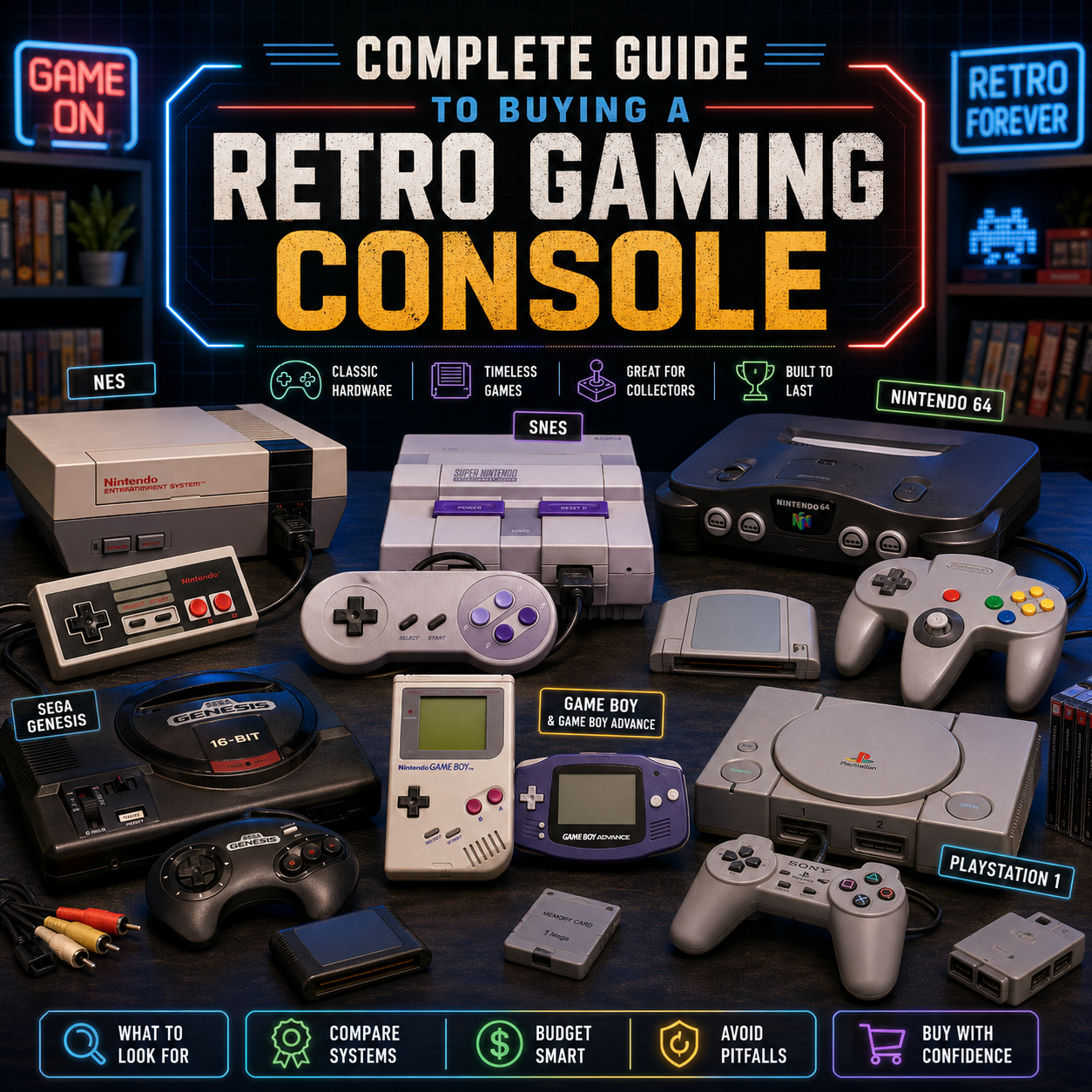
The best retro console for you depends on what you want most: nostalgia, multiplayer, RPGs, platformers, handheld gaming, disc-based classics, collectability, or simple plug-and-play fun. Systems like the NES, SNES, Nintendo 64, Sega Genesis, Game Boy Advance, PlayStation 1, PlayStation 2, GameCube, Dreamcast, and original Xbox all offer very different experiences.
Before buying, always consider condition, included cables, controller quality, region compatibility, video output, whether the system has been tested, and whether it comes from a seller who will stand behind it. A cheap untested console can become expensive fast once you add a power adapter, AV cable, controller, memory card, cleaning supplies, replacement parts, or repairs.
At Power Up Gaming, we specialize in retro games, consoles, and accessories because this is what we work with every day. Whether you are buying your first classic system or adding another console to a growing collection, this guide will help you shop smarter, avoid common mistakes, and get more fun out of your setup.
Why Retro Gaming Consoles Are Still Worth Buying
Retro gaming is not just nostalgia anymore. It has become a full hobby, a collecting category, and for many players, the most enjoyable way to experience games that shaped the industry.
Modern games are incredible, but there is something special about original hardware. The click of a cartridge, the weight of an old controller, the glow of a CRT, the sound of a disc drive spinning up, the ritual of blowing dust off a shelf and choosing a game from your collection. It hits differently.
Retro consoles are popular for a few big reasons:
They offer simple, focused gameplay. You put in a game, turn on the system, and play. No giant day-one update. No online account drama. No battle pass staring at you from the menu like it wants your lunch money.
They preserve gaming history. Consoles like the NES, SNES, Sega Genesis, PlayStation 1, Nintendo 64, Dreamcast, PlayStation 2, and GameCube represent major jumps in design, technology, storytelling, controller layouts, multiplayer gaming, and genre development.
They are great for collectors. Physical games, original controllers, manuals, boxes, strategy guides, memory cards, light guns, arcade sticks, rumble accessories, link cables, and console variants all add personality to a collection.
They are social. Retro consoles are perfect for couch multiplayer. Mario Kart, GoldenEye, Smash Bros., Street Fighter, NHL, Tony Hawk, Mario Party, Gauntlet, Bomberman, and old wrestling games all prove that yelling at your friends from the same room is still undefeated.
They can hold their value. Not every system or game is rare, and not everything should be treated like an investment, but good-quality retro hardware is no longer throwaway electronics. Condition, completeness, demand, and authenticity matter.
 Original Hardware, Mini Consoles, Clone Consoles, or Emulation?
Before choosing a specific system, decide what type of retro gaming experience you actually want. There are four main ways people play classic games today.
Original Hardware
This means buying the real console from the original generation, such as an NES, SNES, N64, Sega Genesis, PlayStation 1, Dreamcast, GameCube, or PlayStation 2.
Original hardware is usually the best choice if you care about authenticity, collecting, original controllers, cartridges, discs, accessories, and the full physical experience. It is also the most flexible path if you want to build a real collection over time.
The downside is that older hardware needs more care. You may need proper cables, a good power supply, a working controller, a memory card, a clean cartridge slot, or a modern TV adapter.
Best for: collectors, nostalgia, original game libraries, couch multiplayer, people who want the real thing.
Mini Consoles
Mini consoles are small plug-and-play systems that come with built-in games. Examples include mini versions of classic consoles with HDMI output and save states.
These are easy, clean, and beginner-friendly. They do not use original cartridges or discs, so you are limited to the games included unless the device supports official expansion, which many do not.
Best for: casual players, gifts, simple HDMI setup, people who want a small taste of retro gaming without collecting.
Clone Consoles
Clone consoles are third-party systems that play original cartridges from one or more platforms. Some are budget-friendly and simple. Others are higher-end systems built for accuracy and modern output.
Quality varies a lot. Some are perfectly fine for casual play, while others have compatibility issues, poor sound, cheap controllers, or inaccurate colours.
Best for: players who want to use cartridges but do not care as much about original hardware.
FPGA Systems and Premium Modern Retro Consoles
FPGA-based systems are designed to recreate original hardware behavior more accurately than basic software emulation. These can be great if you want clean HDMI output and modern convenience while still using original cartridges.
They are usually more expensive and not always as easy to find, but they can be excellent for serious players.
Best for: enthusiasts, modern display setups, people who want accuracy without relying on aging original consoles.
Emulation Boxes
There are many cheap “retro game” boxes online that come preloaded with thousands of games. They can look tempting, but buyer beware. Build quality, controller feel, menu design, save reliability, game quality, and legality can all be questionable.
Some people love tinkering with emulation, but a random box full of mystery ROMs is not the same thing as building a reliable retro setup.
Best for: hobbyists who understand what they are buying and are comfortable troubleshooting.
Which Retro Console Should You Buy?
There is no single “best” retro console. The right one depends on what games you want to play, how much you want to spend, and whether you care more about nostalgia, multiplayer, collecting, or convenience.
Best Retro Consoles for Beginners
Super Nintendo Entertainment System, SNES
The SNES is one of the safest first retro console choices. It has a legendary library, strong controller design, excellent 2D graphics, and a huge mix of platformers, RPGs, racing games, action games, sports games, and family-friendly classics.
Great for: platformers, RPGs, colourful 2D games, collectors, Nintendo nostalgia.
Watch for: yellowing plastic, damaged cartridge slots, missing AV cables, aftermarket controllers, and the price of certain high-demand games.
Popular types of games: Super Mario World style platformers, Zelda-style adventures, RPGs, beat ’em ups, fighting games, racing, puzzle games.
Nintendo Entertainment System, NES
The NES is where many players think of “classic gaming” beginning. It is simple, iconic, and full of historically important games. The library is huge, but the experience can be a little rougher for brand-new retro players because many NES games are harder and less forgiving than later console games.
Great for: old-school challenge, iconic Nintendo history, simple pick-up-and-play games.
Watch for: blinking power light issues, dirty 72-pin connectors, worn cartridges, third-party power supplies, and missing controllers.
Popular types of games: platformers, action games, shooters, puzzle games, arcade-style games.
Sega Genesis
The Sega Genesis is a fantastic choice if you want something with speed, attitude, arcade energy, and a strong sports library. It is especially good for Sonic fans, beat ’em up fans, shoot ’em up players, and anyone who wants the other side of the 16-bit console war.
Great for: Sonic-style platformers, arcade action, sports games, beat ’em ups, shooters.
Watch for: model differences, AV cable compatibility, worn controllers, and power supply compatibility. The Genesis had multiple console revisions, and not every cable or adapter works with every version.
Popular types of games: fast platformers, sports, side-scrolling action, fighting games, shooters.
Nintendo 64
The N64 is one of the best nostalgia consoles for four-player gaming. If your memories involve Mario Kart, GoldenEye, Super Smash Bros., Mario Party, or Ocarina of Time, this is probably already on your list.
Great for: 3D platformers, local multiplayer, party games, Nintendo classics.
Watch for: loose controller sticks, missing Jumper Pak or Expansion Pak, blurry video on modern TVs, damaged cartridge labels, and expensive first-party games.
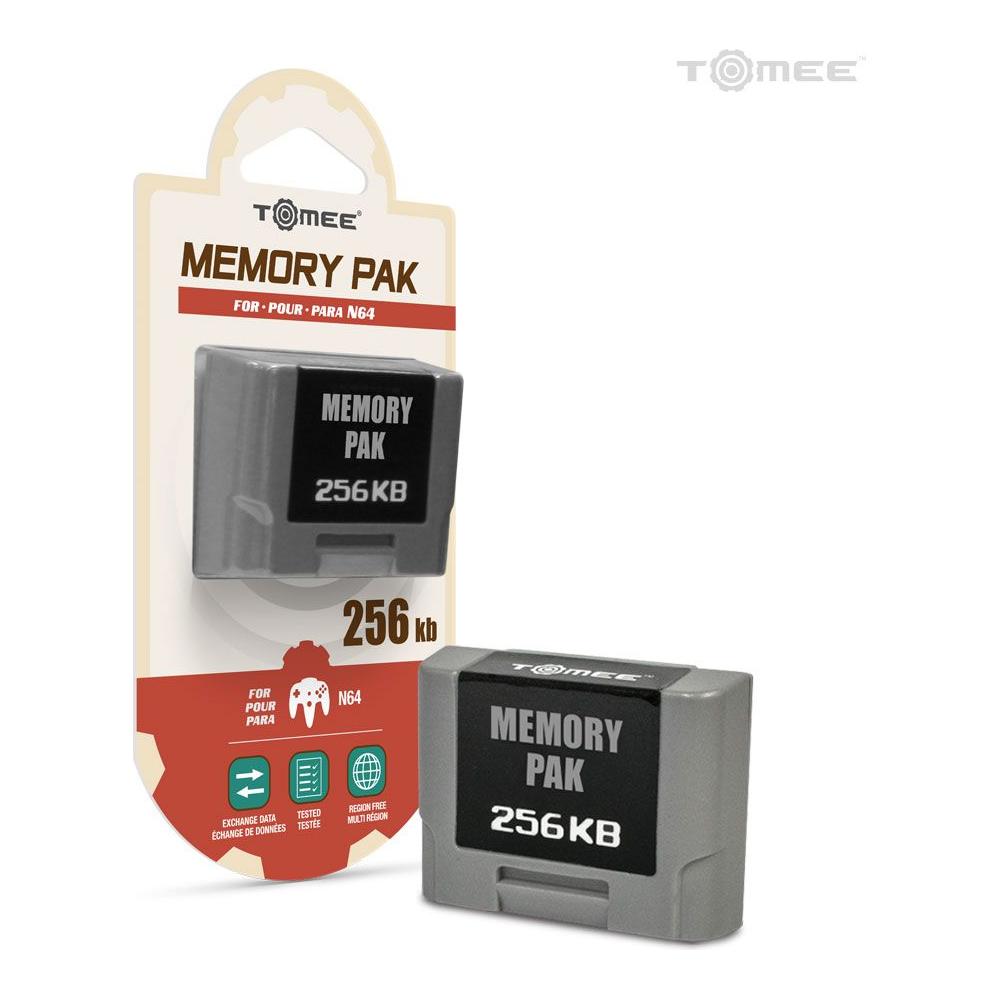
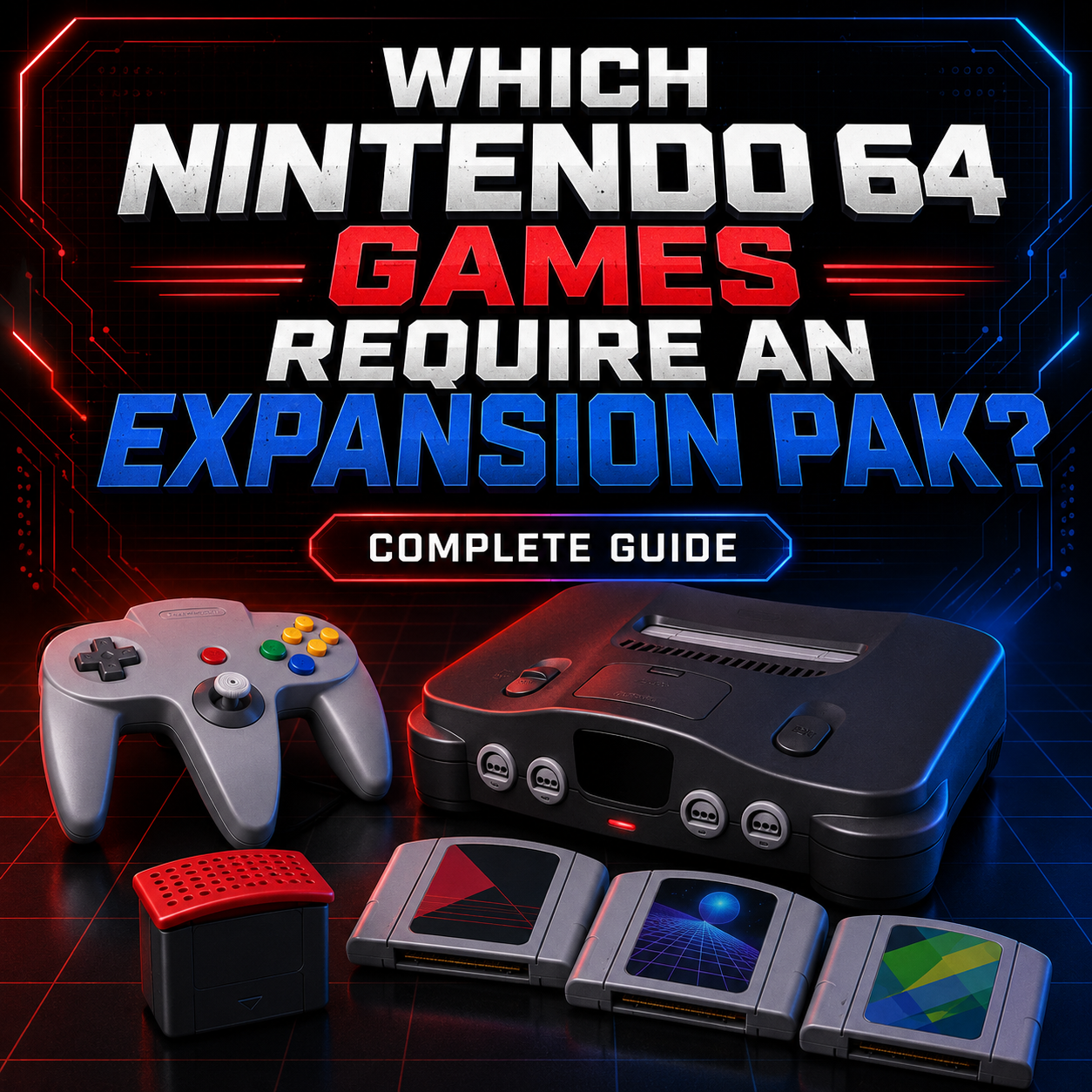
Important note: Some N64 games require or benefit from the Expansion Pak. If you are buying an N64, check whether it includes the basic Jumper Pak or the upgraded Expansion Pak.
PlayStation 1
The PS1 is a landmark console for 3D gaming, RPGs, horror, racing, fighting games, and experimental late-90s weirdness. This is the console that helped move gaming hard into the disc era.
Great for: RPGs, horror, racing, fighting, platformers, early 3D nostalgia.
Watch for: disc read problems, scratched discs, loose disc lids, non-original controllers, missing memory cards, and whether the system has been properly tested.
Popular types of games: RPGs, survival horror, racing, fighting, music games, action-adventure.
PlayStation 2
The PS2 is often one of the best value retro systems because the library is enormous. It also plays most original PlayStation games, making it a strong two-generation setup if you choose the right model and accessories.
Great for: massive game selection, RPGs, action games, racing, sports, horror, DVD playback, PS1 backwards compatibility.
Watch for: disc read issues, noisy fans, missing memory cards, weak controller buttons, third-party AV cables, and model differences between fat and slim units.
Popular types of games: everything. Seriously, the PS2 library is ridiculous in the best way.
Nintendo GameCube
The GameCube has become much more collectible over time. It has a smaller library than the PS2, but a lot of its best games remain highly desirable.
Great for: Nintendo exclusives, couch multiplayer, colourful action games, collectors.
Watch for: missing power supplies, disc read issues, expensive first-party games, missing memory cards, controller wear, and whether the digital AV port matters to you on certain models.
Popular types of games: action-adventure, racing, party games, fighting, platformers.
Sega Dreamcast
The Dreamcast is a cult favourite with a library that feels different from almost anything else. It has arcade roots, creative exclusives, great fighting games, and a unique personality.
Great for: arcade-style games, fighting games, collectors, Sega fans, unusual library picks.
Watch for: disc drive problems, yellowing, loud operation, controller port issues, VMU condition, and whether the system has original cables.
Popular types of games: fighters, arcade racing, action games, sports, quirky Sega exclusives.
Best Handheld Retro Consoles
Game Boy
The original Game Boy is pure nostalgia. It is durable, simple, and has a massive library. The downside is the original screen, which can be difficult to enjoy without good lighting unless the system has been modified.
Great for: collectors, classic portable gaming, simple games, Pokémon nostalgia.
Watch for: battery corrosion, weak screens, missing battery covers, dead speaker audio, dirty cartridge slots.
Game Boy Color
The Game Boy Color keeps the simplicity of the Game Boy while adding colour and a stronger library. It is still very portable and collectible.
Great for: Pokémon, Zelda handheld games, puzzle games, portable collecting.
Watch for: battery terminals, screen scratches, button wear, speaker issues.
Game Boy Advance
The Game Boy Advance has one of the best handheld libraries ever. The original GBA has a non-lit screen, while the GBA SP is usually easier for modern players because of its clamshell design and lit screen.
Great for: platformers, RPGs, Nintendo classics, portable collecting.
Watch for: screen quality, hinge wear on SP models, battery condition, charger availability, fake cartridges, and button responsiveness.
Nintendo DS and 3DS
The DS and 3DS are not always considered “retro” by everyone, but they are absolutely part of the modern collecting conversation now. These systems have massive libraries, strong first-party games, RPGs, puzzle games, and tons of unusual touch-screen titles.
Great for: handheld RPGs, Pokémon, puzzle games, Nintendo collectors, portable play.
Watch for: broken hinges, bad touch screens, stylus missing, charger missing, region compatibility on 3DS, worn cartridge slots, and screen yellowing.
 What to Inspect Before Buying a Retro Console
A retro console can look fine on a shelf and still have problems. These systems are old now. Some have been lovingly cared for. Others have been in basements, garages, storage lockers, smokers’ homes, rental bins, college dorms, and mystery boxes that should probably be sealed by a priest.
Here is what to check.
1. Physical Condition
Look at the shell first. Minor scuffs are normal. Deep cracks, broken corners, missing doors, loose hinges, warped plastic, and damaged cartridge slots are bigger concerns.
For handhelds, check the screen carefully. Scratches, dead pixels, screen burn, vinegar syndrome, pressure marks, and weak backlights can all affect the experience.
Yellowing is common on older plastic. It is usually cosmetic, especially on systems like the SNES. Severe yellowing does not always mean the system is bad, but it may affect collector value.
2. Power Port and Power Supply
A console is only as reliable as its power connection. Look for a loose power jack, bent pins, corrosion, or signs that the wrong adapter was used.
Power supplies matter. A cheap or incorrect adapter can cause instability, poor performance, buzzing audio, or long-term damage. Whenever possible, use the correct original adapter or a reputable replacement designed for that console.
3. Video Output
Retro consoles can use RF, composite, S-Video, component, SCART, VGA, HDMI mods, or proprietary cables depending on the system and region.
For beginners, composite cables are often the easiest. They use the yellow, white, and red RCA plugs many people remember. The picture is not the sharpest, but it works for a lot of setups.
For better quality, some systems support S-Video, component, RGB, or VGA. The improvement can be huge, especially on modern displays, but compatibility can get more complicated.
If you are using a modern TV, do not assume old consoles will always look good through a cheap adapter. Many inexpensive AV-to-HDMI boxes add lag, stretch the image, blur the picture, or handle older 240p signals poorly.
4. Cartridge Slot or Disc Drive
For cartridge systems, inspect the cartridge slot. Dirty contacts are common. Bent pins, cracked slots, and heavy corrosion are bigger problems.
For disc systems, test more than one game if possible. A system that reads one disc may struggle with others. Listen for grinding, repeated clicking, or the laser constantly hunting. Disc read issues can point to a dirty lens, worn laser, spindle problem, or failing drive mechanism.
5. Controllers
Controllers are often overlooked, but they matter a lot. A great console with a bad controller is not a great experience.
Check for:
Loose analog sticks
Sticky buttons
Unresponsive D-pads
Frayed cords
Broken triggers
Worn thumbsticks
Missing battery covers on wireless controllers
Third-party controllers pretending to be original
Some third-party controllers are great. Some are aggressively terrible. The kind that makes you wonder if the D-pad was designed by someone who has only heard of thumbs in theory.
6. Included Accessories
A console bundle is more valuable when it includes the correct power supply, AV cables, controller, memory card, expansion accessories, manuals, or original packaging.
For some systems, missing accessories are not a big deal. For others, they matter a lot.
Examples:
Nintendo 64: Check for Jumper Pak or Expansion Pak.
PlayStation 1 and PlayStation 2: You will want a memory card.
GameCube: You will want a memory card.
Dreamcast: VMUs are part of the experience.
Game Boy Advance SP: Make sure it includes a charger.
Original Xbox: Check controller style and cable condition.
7. Region Compatibility
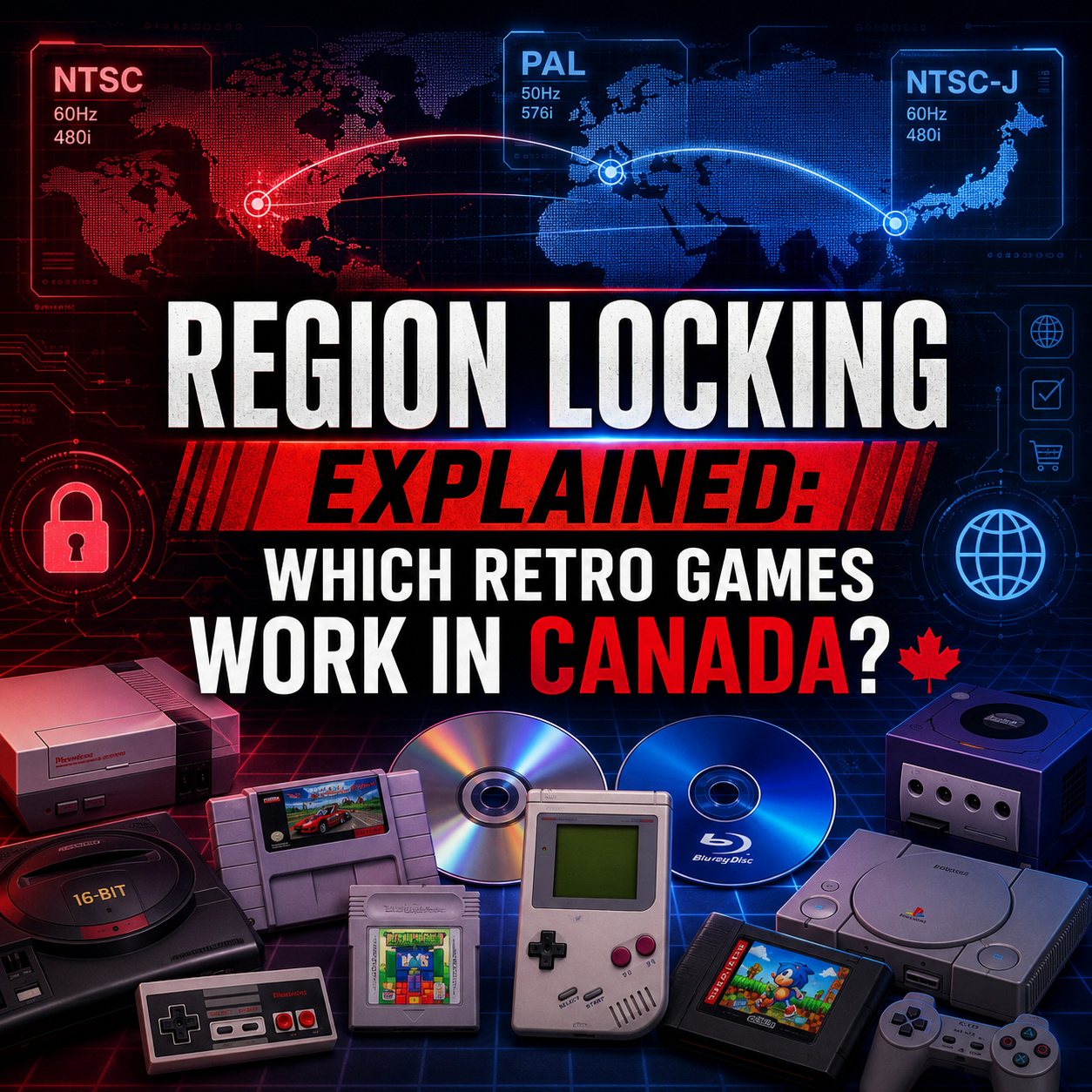
Region matters. North American, Japanese, and European consoles often have different compatibility rules, video standards, cartridge shapes, or lockout chips.
A Japanese Famicom will not simply play North American NES cartridges without an adapter. A Super Famicom uses Japanese cartridges, while a North American SNES uses physically different cartridge shells. PAL systems may run differently than NTSC systems and may require different power/video considerations.
If you are buying for a North American game collection, make sure the console matches the games you actually plan to play.
8. Save Batteries and Memory
Many cartridge games use internal batteries for saving. Over time, those batteries can die. A dead save battery does not usually mean the game is ruined, but it does mean the battery may need replacement.
Disc-based systems usually use memory cards or internal storage. Always check whether you need a memory card and whether the one included actually works.
9. Capacitors and Aging Electronics
Old electronics age. Capacitors can fail over time, especially in systems that are decades old. Symptoms can include weak audio, distorted video, random resets, failure to power on, or intermittent problems after the system warms up.
Not every old console needs immediate repair, but this is one reason tested hardware matters. A seller who has actually powered the system on, checked video, checked audio, checked controller input, and tested games is reducing your risk.
10. Smell, Moisture, and Storage Damage
This one is not glamorous, but it matters.
If a console smells strongly of mildew, smoke, damp basement, or chemical cleaner, be careful. Odours can be difficult to remove. Moisture damage can also mean corrosion inside the console, even if the outside looks decent.

Buying Online vs Buying In Store
There are good and bad ways to buy retro consoles. The right choice depends on how much risk you are willing to take.
Buying From a Specialty Retro Game Store
This is usually the best choice for most people, especially beginners. You are paying for more than the plastic box. You are paying for testing, sorting, condition assessment, support, accessories, warranty, and the ability to ask questions before you buy.
At Power Up Gaming, retro gaming is not a side bin beside phone chargers. It is what we do every day. We carry retro consoles, games, accessories, cartridge cases, cleaning supplies, controllers, repair parts, collectibles, and more across many generations. We also have live online inventory, so you can browse what is actually available instead of messaging someone on Marketplace and hoping they reply before selling it to a guy named Kyle in a parking lot.
A specialty store may not always be the absolute cheapest option, but it is often the lowest-stress option.
Best for: tested systems, warranty-backed purchases, beginner support, gift buying, avoiding marketplace chaos.
Buying From Online Marketplaces
eBay, Facebook Marketplace, Kijiji, and similar platforms can be good places to find retro consoles. They can also be risky.
Look for clear photos, detailed descriptions, seller feedback, tested status, included accessories, and honest condition notes. Be careful with listings that only say “worked last time I used it.” That usually means “I found this in a closet and I do not want responsibility for what happens next.”
Best for: bargain hunting, rare variants, people who know how to evaluate condition.
Buying From Flea Markets, Yard Sales, and Thrift Stores
These can still produce great finds, but the golden age of finding a box of rare games for $5 is mostly gone. People know what they have more often now, and many sellers check prices online.
Still, deals happen. Just assume untested means untested. Budget for cleaning, missing cables, bad controllers, and possible repairs.
Best for: treasure hunters, experienced collectors, people willing to gamble.
Buying From Friends or Family
This can be the best deal of all, especially if someone has a childhood system they no longer use. Be fair with people, especially if they do not know current values. Retro gaming is more fun when nobody feels ripped off.
Best for: sentimental purchases, local pickups, bundles with games.
 What Should You Budget?
Retro console prices change constantly. Condition, completeness, included accessories, colour variants, special editions, demand, and whether the system is tested all affect value.
Instead of treating price ranges as permanent, think in budget tiers.
Entry-Level Budget
This is for someone who wants a basic working console, one controller, cables, and a few affordable games.
Good fits often include Sega Genesis, PlayStation 1, PlayStation 2, original Xbox, Wii, and some handhelds depending on condition.
This is the best tier if you want to play games more than collect display pieces.
Mid-Range Budget
This is where many popular systems land when they are tested, cleaned, and include the proper accessories.
Good fits often include NES, SNES, Nintendo 64, GameCube, Dreamcast, Game Boy Advance SP, Nintendo DS, and 3DS family systems.
This is the sweet spot for most collectors because you can get something reliable without chasing mint-condition perfection.
Collector Budget
This is for boxed systems, rare colours, limited editions, complete bundles, pristine condition, hard-to-find accessories, import systems, and highly desirable games.
This tier can get expensive quickly. If you are buying collector-grade items, condition and authenticity matter much more.
Hidden Costs to Consider
The console price is not always the real price. A cheap console can become less cheap once you add what is missing.
Budget for:
Extra controllers
Correct power supply
AV cables or better video cables
Memory cards
Expansion accessories
Cleaning supplies
Cartridge cases
Disc resurfacing or replacement discs
Batteries for handhelds
Screen protectors or cases
HD upscaler or adapter
Replacement thumbsticks or controller parts
Shipping costs
Warranty or return protection
This is why a tested, complete bundle often makes more sense than the cheapest console listing you can find.
 Essential Accessories for Retro Gaming
Extra Controllers
Always get at least one extra controller if the system is known for multiplayer. For N64, GameCube, Genesis, SNES, Dreamcast, and PS2, multiplayer is a huge part of the fun.
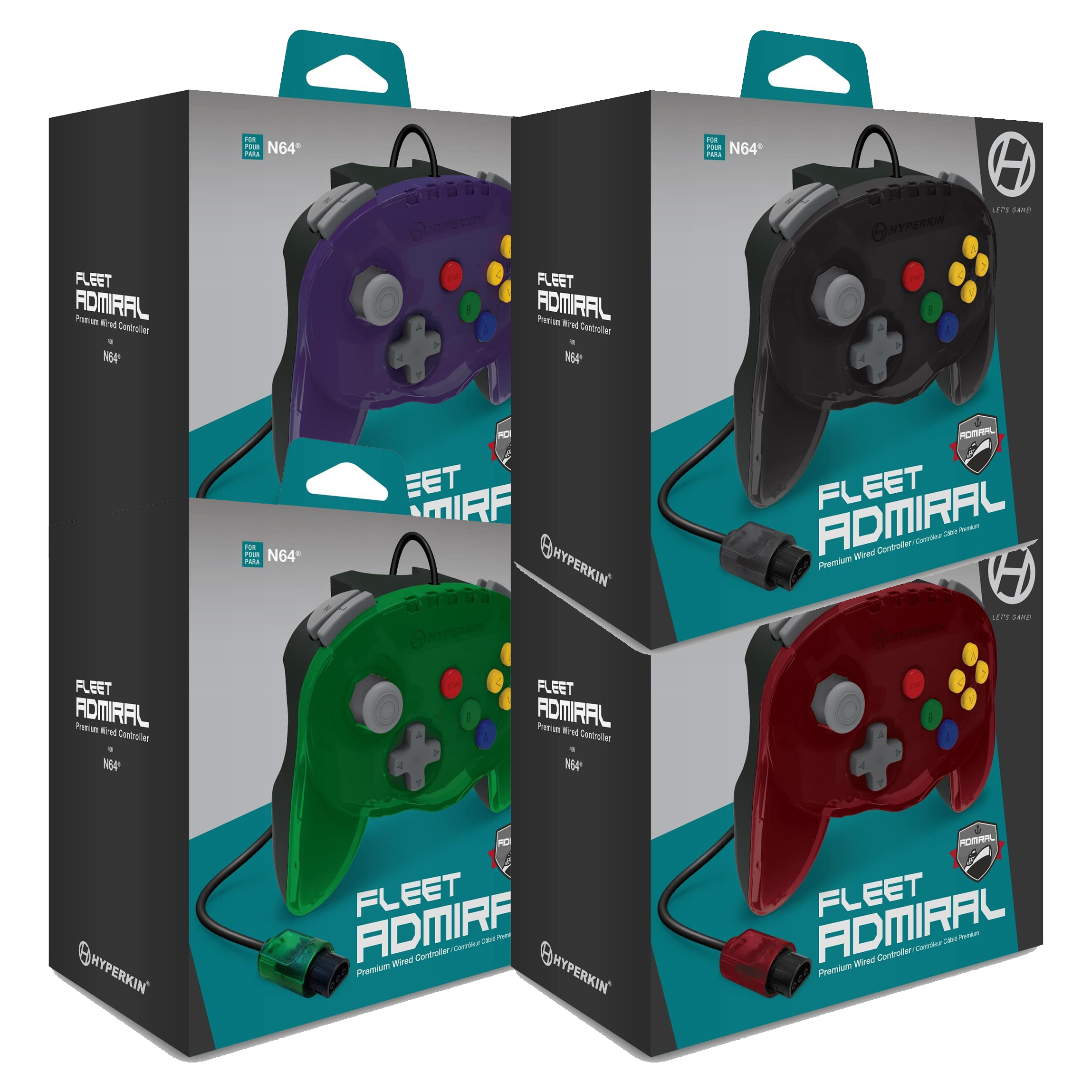
Original controllers usually feel best, but good premium third-party controllers can be a solid option, especially when originals are expensive or worn out.
Memory Cards
Disc-based systems often need memory cards. PlayStation 1, PlayStation 2, GameCube, and Dreamcast all rely on memory storage in different ways.
Do not forget this. Nothing crushes joy faster than getting three hours into a game and realizing you cannot save.
Cartridge Cases and Box Protectors
Cartridge cases protect games from dust, scratches, and shelf wear. Box protectors are great for complete-in-box games and collector pieces.
If you are building a collection, protect it early. It is much easier to keep things nice than to fix damage later.
Cleaning Supplies
Dirty cartridge contacts are one of the most common reasons retro games fail to load. A basic cleaning setup is one of the smartest accessories you can buy.
Use proper cleaning methods and avoid getting labels wet. Do not soak cartridges. Do not attack contacts like you are scrubbing a barbecue grill. Gentle, careful cleaning is the goal.
Upscalers and Modern TV Adapters
If you are connecting original hardware to a modern TV, a quality upscaler can make a huge difference. Devices like RetroTINK-style scalers or OSSC-style line doublers are designed for older video signals in a way cheap generic converters usually are not.
You do not always need a premium video setup on day one, but if your picture looks blurry, stretched, delayed, or unstable, your adapter may be the problem rather than the console.
Extension Cables
Older controller cables were designed for smaller rooms and CRT setups. If you are playing on a modern living room TV, extension cables can make the setup much more comfortable.
Storage and Display
Shelving, cases, stands, and bins are not glamorous, but they help keep your collection clean, organized, and playable. A retro collection can get messy fast if everything ends up in one box of cable spaghetti.
 How to Connect a Retro Console to a Modern TV
This is one of the biggest surprises for new retro gamers. Old consoles were designed for old displays. Modern TVs do not always handle them well.
Option 1: Use Composite Cables
Composite is the classic yellow, white, and red cable setup. It is easy and widely available, but image quality is soft.
Good for: beginners, casual play, quick setup.
Option 2: Use S-Video or Component When Supported
Some systems support better analog video. S-Video and component can look much cleaner than composite, depending on the console and TV.
Good for: better picture quality without full HDMI mods.
Option 3: Use a Quality Upscaler
A proper gaming-focused upscaler can convert the signal to HDMI while reducing lag and improving compatibility with modern TVs.
Good for: serious players, modern displays, cleaner image, less frustration.
Option 4: Use a CRT Television
For the most authentic experience, a CRT is still excellent. Many retro consoles look and feel fantastic on the displays they were designed for.
Good for: original look, light gun games, low-lag play, authentic feel.
The downside is that CRTs are heavy, aging, and not always easy to find in good condition. Also, moving one by yourself is a great way to discover new chiropractic expenses.

Best Retro Consoles by Player Type
Best for Nintendo Nostalgia
NES
SNES
Nintendo 64
GameCube
Game Boy Advance SP
Best for Local Multiplayer
Nintendo 64
GameCube
Dreamcast
PlayStation 2
Sega Genesis
SNES
Best for RPG Fans
SNES
PlayStation 1
PlayStation 2
Game Boy Advance
Nintendo DS
Nintendo 3DS
Best for Budget Game Collecting
PlayStation 2
Original Xbox
Wii
Sega Genesis
PlayStation 1
Best for Collectors
SNES
Nintendo 64
GameCube
Dreamcast
Game Boy Advance SP
PlayStation 1
Best for Kids and Families
Wii
SNES
Nintendo 64
GameCube
Nintendo DS
Game Boy Advance SP
Best for Arcade-Style Gaming
Sega Genesis
Dreamcast
SNES
PlayStation 1
Saturn
Red Flags When Buying a Retro Console
Be careful when you see:
“Untested, no returns”
“Worked last time I used it”
“No cables, but should work”
“Powers on, not tested with game”
“Rare” used on something extremely common
Stock photos only
Photos that hide the ports or screen
No photo of the system powered on
Missing power adapter
Heavy corrosion in battery compartments
Strong smoke or mildew smell
Cracked cartridge slot
Loose controller ports
Disc system that only reads “sometimes”
Controllers with destroyed analog sticks
A price that seems too good to be true
Sometimes a rough console is worth buying as a repair project. But if you just want to play, buy something tested.

Why Buying From Power Up Gaming Makes Sense
We know there are cheaper ways to buy retro consoles. You can gamble on Marketplace. You can message five sellers, get ghosted by three of them, meet one in a parking lot, and then discover the AV cable is missing when you get home. That is a whole side quest.
Power Up Gaming is built for people who want a better experience than that.
We are an independent retro game store based in Barrie, Ontario, and we have been doing this since 2012. We carry a large selection of retro games, consoles, accessories, collectibles, repair parts, cartridge cases, cleaning supplies, and more. We work with this stuff every day, so we understand the difference between “it turns on” and “it is actually ready to play.”
Buying from a dedicated store gives you:
Tested hardware
Clearer condition expectations
Access to games and accessories in the same place
Support if you have questions
Warranty-backed products
A real store behind the sale
Live online inventory
Trade-in options
A team that understands retro gaming
That does not mean every console is perfect or that every used item looks brand new. These are older systems, and condition varies. But it does mean you are buying from people who actually handle retro hardware all day and care about getting it right.

Tips for Building a Retro Console Collection
Start With One System
Do not try to collect everything at once. That gets expensive and chaotic fast. Pick one console, build a small library, get the accessories you need, and enjoy it.
Buy Games You Actually Want to Play
Collecting is fun, but shelves full of games you do not care about can turn into expensive clutter. Start with games that mean something to you.
Protect Your Better Games
Use cartridge cases, box protectors, clean storage, and avoid direct sunlight. Labels, boxes, and manuals are part of the value.
Keep Cables Organized
Label cables by system. Future you will be grateful. Future you is tired and does not want to identify seven black power bricks at midnight.
Learn Basic Cleaning
You do not need to become a repair technician, but learning how to safely clean cartridge contacts and controller exteriors will make your collection more reliable.
Do Not Chase Hype Blindly
Some games spike in price because of trends, videos, nostalgia waves, or temporary demand. Buy what you love first.
Ask Questions
If you are not sure whether a system needs a memory card, whether a cable works with your TV, or whether a game requires an accessory, ask before buying. A good retro game store should be able to help.
Final Thoughts
Buying a retro gaming console should be fun, not stressful. The best setup is not always the rarest, most expensive, or most collector-perfect. It is the one you will actually play.
For some people, that means an SNES with a few favourite platformers. For others, it means an N64 with four controllers and a stack of multiplayer games. For someone else, it might be a PS2 loaded with RPGs, a Game Boy Advance SP for portable gaming, or a Dreamcast because they enjoy being interesting and slightly difficult at parties.
Take your time. Learn the basics. Check condition. Think about accessories. Make sure the console fits the games you want to play. And when possible, buy from a seller who tests what they sell and stands behind it.
If you are ready to start or expand your retro collection, browse Power Up Gaming’s selection of retro consoles, games, controllers, cartridge cases, cleaning supplies, and accessories. We are here to help you find the right system, avoid the common pitfalls, and get you playing something awesome.
FAQ: Buying a Retro Gaming Console
What is the best retro console to buy first?
For most beginners, the SNES, Nintendo 64, PlayStation 2, Sega Genesis, or Game Boy Advance SP are great starting points. The best choice depends on the games you want to play. If you love Nintendo platformers, start with SNES or N64. If you want a massive and affordable library, PS2 is hard to beat. If you want handheld gaming, the Game Boy Advance SP is a great choice.
Is it better to buy an original console or a mini console?
Original consoles are better if you want authentic hardware, original cartridges or discs, real controllers, and a collectible setup. Mini consoles are better if you want simple HDMI plug-and-play convenience and do not care about collecting physical games.
Are retro consoles expensive?
Some are, but not all. Prices vary by system, condition, included accessories, and demand. A tested console with cables and controllers may cost more up front, but it can save you money compared to buying a cheap incomplete system and then chasing missing parts.
Should I buy a console if it is listed as untested?
Only if you are comfortable with risk. Untested can mean the seller does not have the cables, but it can also mean the system has problems. If you just want to play, buy tested hardware.
What does “tested” mean when buying a retro console?
At minimum, tested should mean the console powers on, displays video, outputs audio, reads a game, and responds to controller input. For disc systems, it is better if multiple games have been tested.
Do retro consoles work on modern TVs?
Some do, but the results vary. Many older consoles use analog video signals that modern TVs do not always handle well. You may need composite inputs, a compatible adapter, or a quality upscaler for the best experience.
Why does my retro console look blurry on my modern TV?
Older consoles were designed for CRT televisions. Modern TVs often scale old low-resolution signals poorly, especially through cheap adapters. A better cable or gaming-focused upscaler can dramatically improve the picture.
Do I need a CRT TV for retro gaming?
No, but CRTs are great for authenticity, low-lag play, and light gun games. A modern TV with a good upscaler can still be an excellent setup for most players.
Are Japanese retro consoles worth buying?
They can be, especially for collectors or import fans, but you need to understand region compatibility. Japanese systems may not play North American games without adapters or modifications, and some require different cables or power considerations.
What accessories should I buy with a retro console?
Start with the basics: correct power adapter, AV cable, at least one good controller, and a memory card if the system requires one. After that, consider extra controllers, cartridge cases, cleaning supplies, storage, and an upscaler for modern TVs.
Are third-party controllers okay?
Some are good, some are not. Original controllers usually feel the most accurate, but high-quality third-party controllers can be a great option. Cheap no-name controllers can have poor buttons, bad D-pads, lag, or weak build quality.
How do I know if a cartridge game needs cleaning?
If the game does not load consistently, shows graphical glitches, or only works after several tries, dirty contacts may be the issue. Clean gently with the proper method and avoid moisture on the label.
Do old cartridge games stop saving?
Some games use internal save batteries that can die over time. If a game does not hold a save, the battery may need replacement.
Why do some N64 games need an Expansion Pak?
Some N64 games require the Expansion Pak, while others use it for enhanced graphics or performance. If you are buying an N64, check whether it includes the standard Jumper Pak or the upgraded Expansion Pak.
Do PlayStation 1 and PlayStation 2 consoles need memory cards?
Yes, if you want to save most games. Some PS2 models have internal settings, but game saves generally require memory cards.
Is yellowing on an old console bad?
Usually it is cosmetic. Yellowing happens to some older plastics over time. It can affect appearance and collector value, but it does not automatically mean the console works poorly.
What is the biggest mistake people make when buying a retro console?
Buying the cheapest console without checking what is included. Missing cables, bad controllers, dead memory cards, dirty cartridges, and video adapter problems can turn a “deal” into a headache.
Why buy from Power Up Gaming instead of a marketplace?
Because you are not just buying an old console from a random listing. You are buying from a retro game store that works with consoles, games, and accessories every day, offers tested inventory, carries the accessories you may need, and stands behind what it sells.